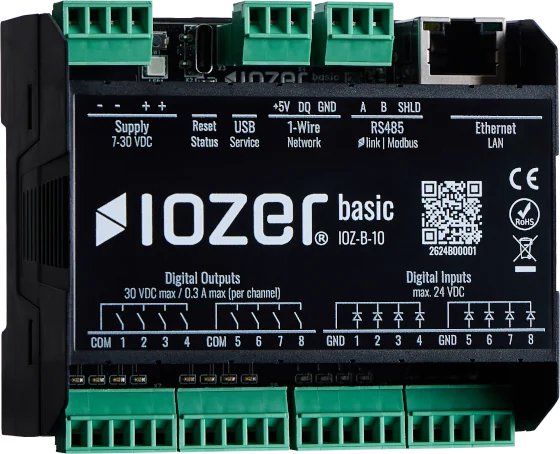
Modbus
The Modbus tab configures Modbus TCP and Modbus RTU. Depending on the application, both sections can operate as a master or slave, or can be disabled.
Open I/O & Interfaces → Modbus. I/O & Interfaces must be active for operation.
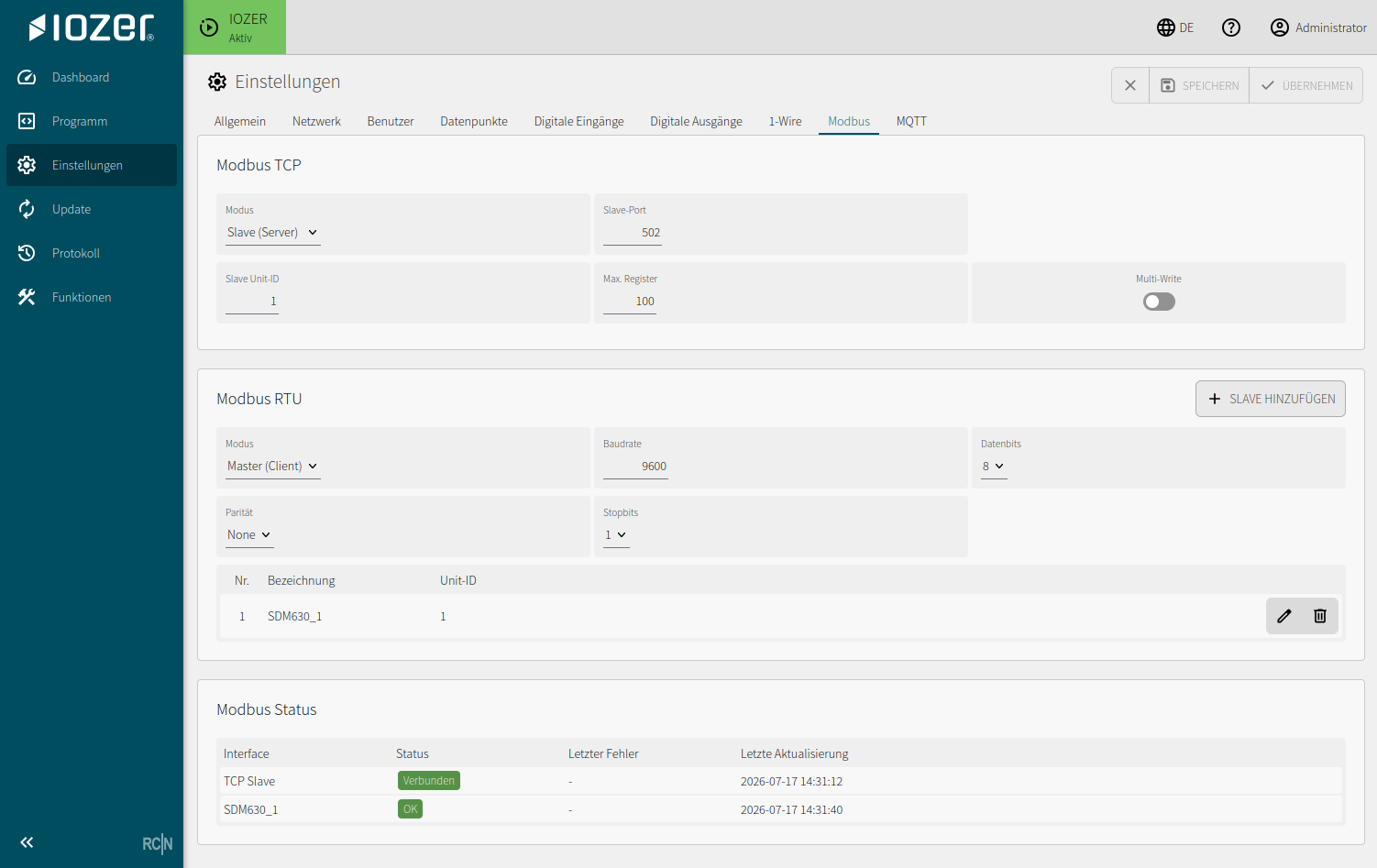
Modbus TCP
| Setting | Meaning |
|---|---|
| Mode | Disabled, Master (Client), or Slave (Server) |
| Slave port | TCP port for slave operation; default 502 |
| Slave Unit ID | Unit ID of IOZER basic in slave mode |
| Max. registers | Number of registers provided in slave mode |
| Multi-write | Permits write operations spanning multiple registers |
In master mode, TCP connections are managed with a description, host, port, Unit ID, timeout, and retry count.
In slave mode, the Modbus TCP targets configured in datapoints are provided as holding registers. Register addresses are entered as zero-based values in IOZER basic. With Max. registers set to 100, the valid address range is therefore 0 through 99.
Modbus RTU
| Setting | Meaning |
|---|---|
| Mode | Disabled, Master (Client), or Slave (Server) |
| Baud rate | Transmission rate on RS485 |
| Data bits, parity, stop bits | Serial communication parameters |
| Slave Unit ID | Unit ID in slave mode |
| Max. registers | Number of registers provided |
| Multi-write | Permits write operations spanning multiple registers |
In master mode, connected RTU slaves are managed by description and Unit ID. Registers to be read or written are assigned through the data sources and data targets of the datapoints.
Status
The Modbus status shows the interface, current status, most recent error, and most recent update. This view is especially important during commissioning and troubleshooting.
Modbus values are mapped to datapoints for use by local logic. Connection and RS485 information is available under Electrical connection.