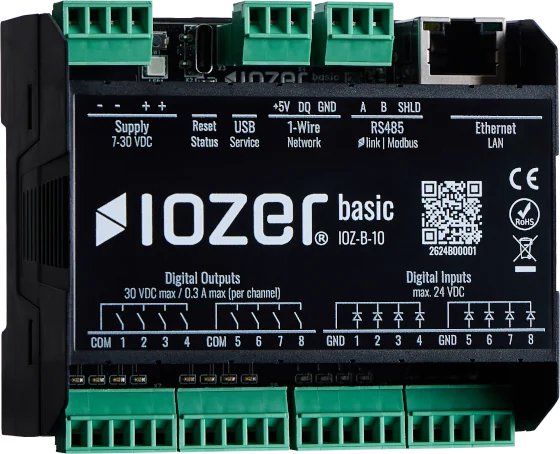
Status LED and reset button
The RGB status LED and reset button provide direct support during commissioning, service, and troubleshooting.
RGB status LED
| Indication | Meaning |
|---|---|
| Double flash in IOZER blue | Setup mode is active |
| Flashing orange | Program stopped, I/O active |
| Double flash in orange | I/O stopped, program active |
| Steady orange | Program and I/O stopped |
| Purple heartbeat | Program is being compiled |
| Flashing IOZER blue | Event is being tested |
| Breathing IOZER blue | Program and I/O active, no detected fault |
| Single flash in red | Program error |
| Double flash in red | I/O or interface error |
Setup mode takes priority over the other indications. Outside setup mode, I/O errors take priority over program errors and the other operating states.
Reset button
| Action | Function |
|---|---|
| Press once | Restart |
| Press twice | Restart in setup mode |
| Press and hold for more than 10 seconds | Restore factory settings |
Factory settings
Restoring factory settings resets the device configuration. Use this function deliberately and only when required for service.