General
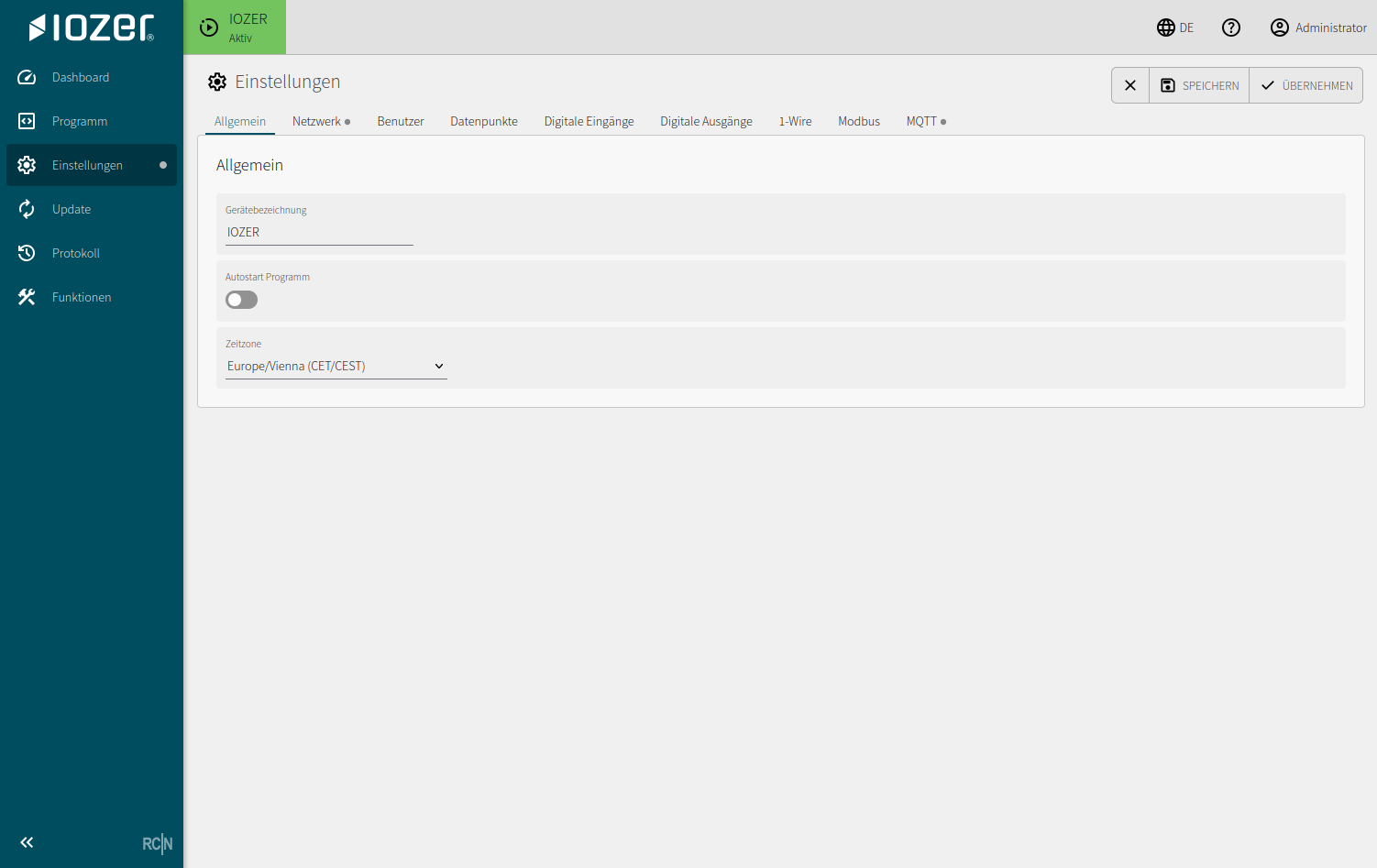
The General tab contains basic device settings that apply independently of the interfaces.
Settings
| Setting | Meaning |
|---|---|
| Device name | A freely selectable name for the device, such as its location, control cabinet, or plant section |
| Program autostart | Automatically starts the saved program after power-up or a restart in normal operating mode |
| Start I/O & interfaces automatically | Activates digital I/O, 1-Wire, Modbus, and MQTT independently of the program in normal operating mode; enabled by default |
| Time zone | Local time zone for timestamps, schedules, and log entries |
Notes
The device name is used in the header and diagnostic views. Choose it so that the device can be identified clearly during commissioning, maintenance, and remote access.
The time zone is especially important when evaluating schedules, logs, or external systems that use timestamps.
In setup mode, neither the program nor I/O starts automatically. Outputs are switched off at startup. I/O can then be activated manually. See I/O and interfaces.